
Configuring expiration alerts
Choose the windows that trigger an Expiring soon status and decide whether the app pings you on the lock screen.
-
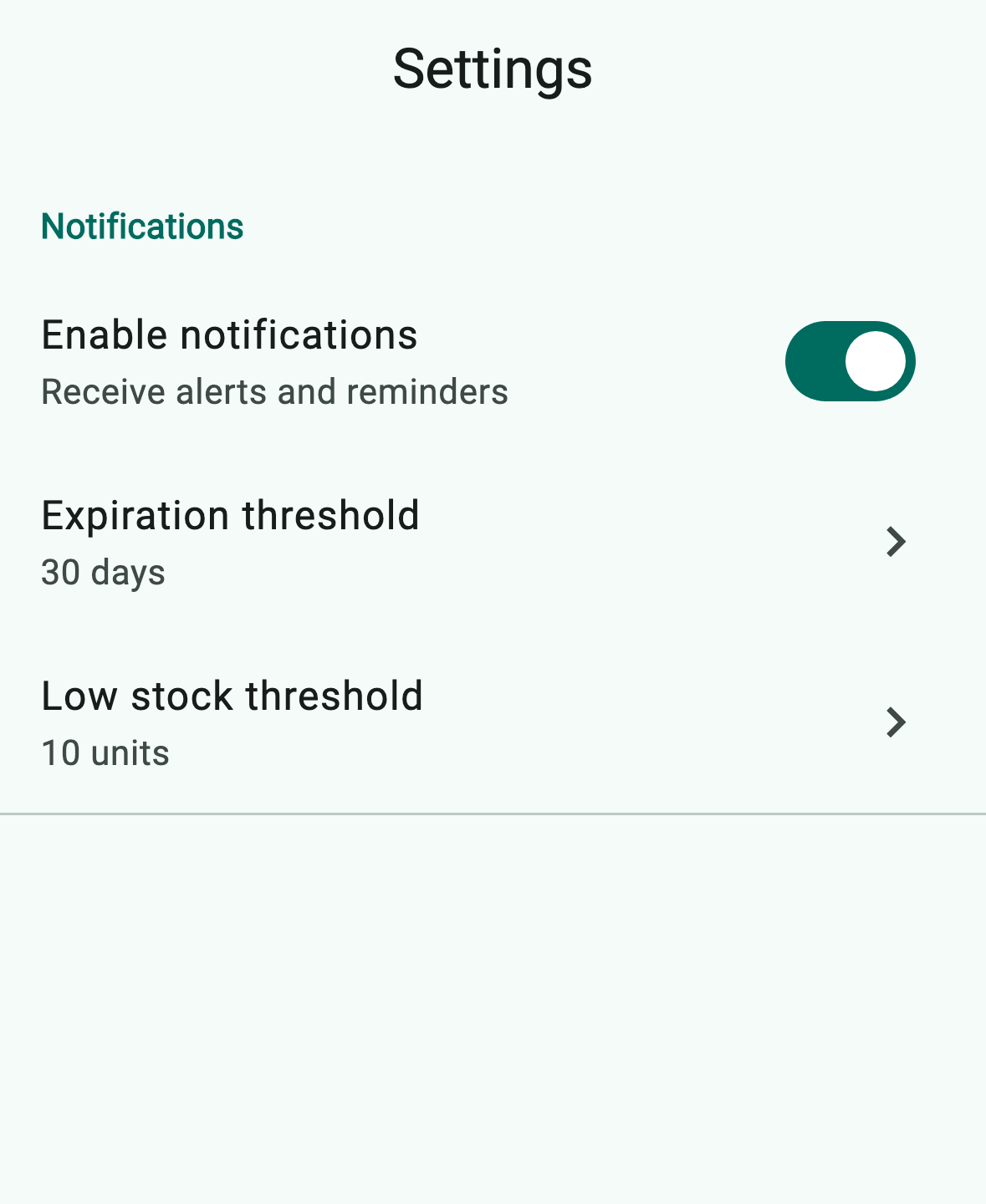
Open Settings › Notifications. The section gives you the three knobs that drive every alert in the app.
-
Toggle Enable notifications (1) on to receive lock-screen alerts and the daily expiring-soon digest. With it off, the in-app Alerts tab still works — only OS notifications are silenced.
-
Tap Expiration threshold (2) and pick a window. Anything inside the window gets the Expiring soon status; the alerts screen further splits it into critical (≤ 25% of the window), warning (≤ 50%), and notice tiers.
-
Tap Low stock threshold (3) to set the global units cutoff that flags an item as low stock. You can override the threshold for a specific product on its detail screen under Alerts.
