
FEFO dispensing
First-Expired-First-Out is the right way to dispense lot-tracked supplies. The app picks the lot for you — and warns you if you're about to dispense the wrong one.
-
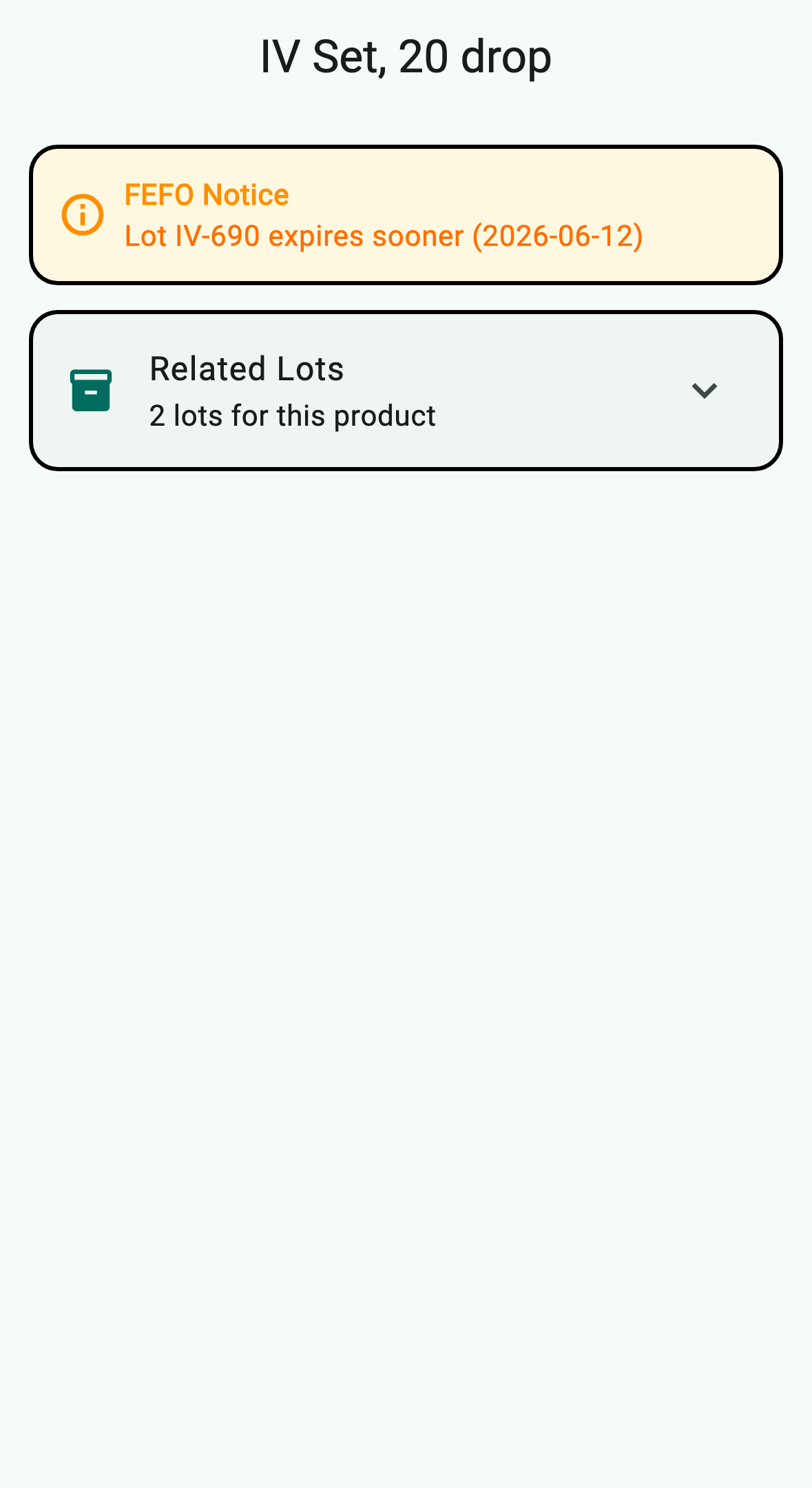
Open a supply that has more than one active lot. The detail screen shows a FEFO Notice banner whenever the lot you're viewing is not the one expiring soonest, and a Related Lots card lists every lot for the same GTIN.
-
The amber banner (1) tells you which lot to dispense first and when it expires. Tap Related Lots (2) to expand the full list — the earliest-expiring lot is tagged Use First, and your current lot is tagged Current.
-
Tap the Use First lot to jump to its detail screen, then dispense from there. The chosen lot's quantity is decremented; if it reaches zero, the lot is archived but stays visible in the audit log so you can trace usage after the fact.
-
When only one lot exists for a product, the banner becomes a green FEFO Priority confirmation — no decision required.
