
Sign in
Sign-in is optional. Healthcare Supply Manager works fully offline without an account; signing in only enables team collaboration and cloud sync.
-
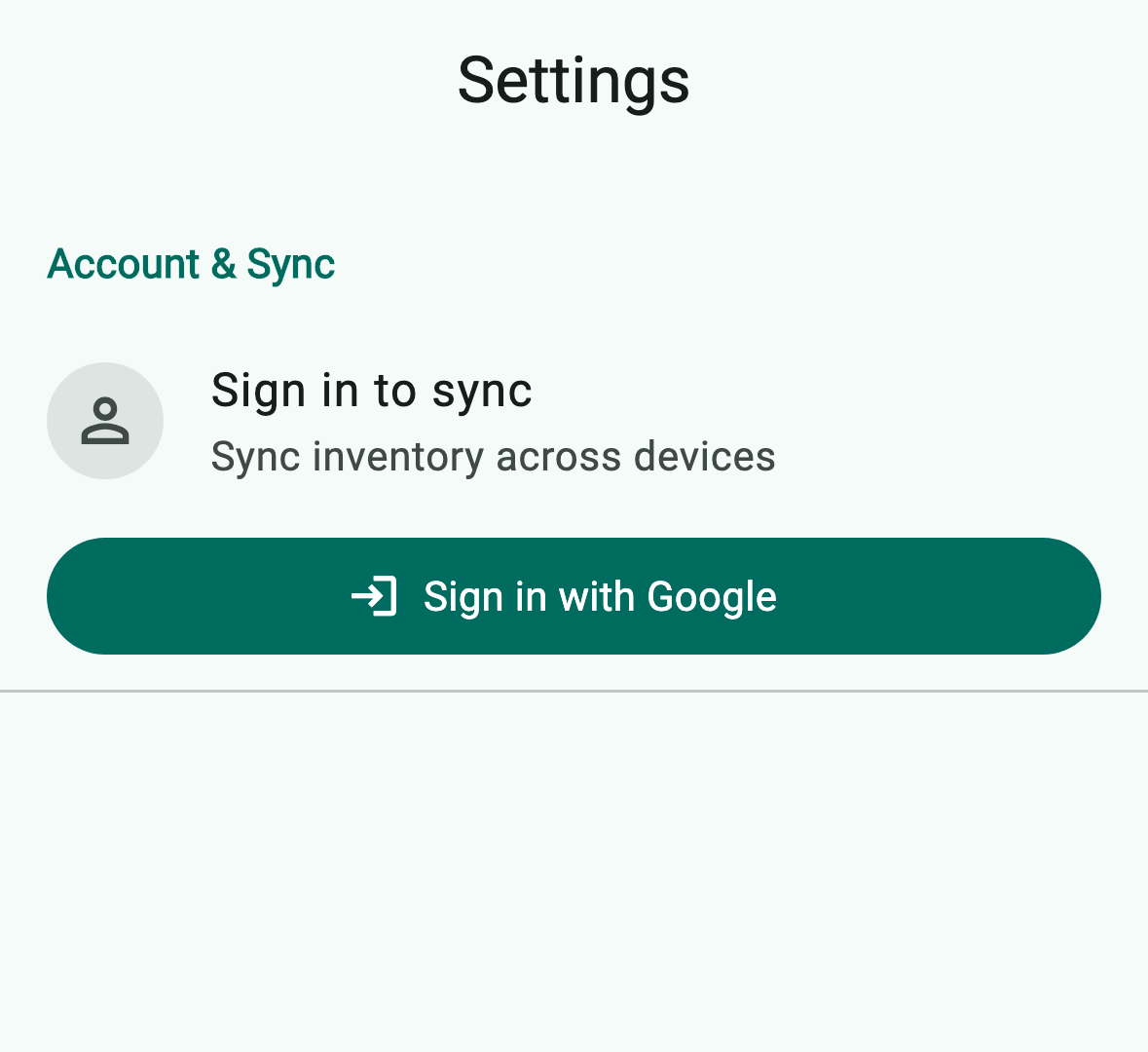
From the home screen, tap Settings › Account & Sync. While signed out, the section shows a single Sign in to sync prompt.
-
Tap Sign in with Google (2). On iOS the section also exposes a Continue with Apple button when Apple Sign-In is available on the device. The first time you sign in, the app creates a default team workspace for solo use.
-
To join an existing team, ask the team owner to send you an invite from Settings › Team › Invite member. Open the link on your device — it opens the app and joins the team automatically.
