
Removing a member
Removing a member revokes their access immediately. Their historical actions remain in the audit log.
-
Open Team › Members.
-
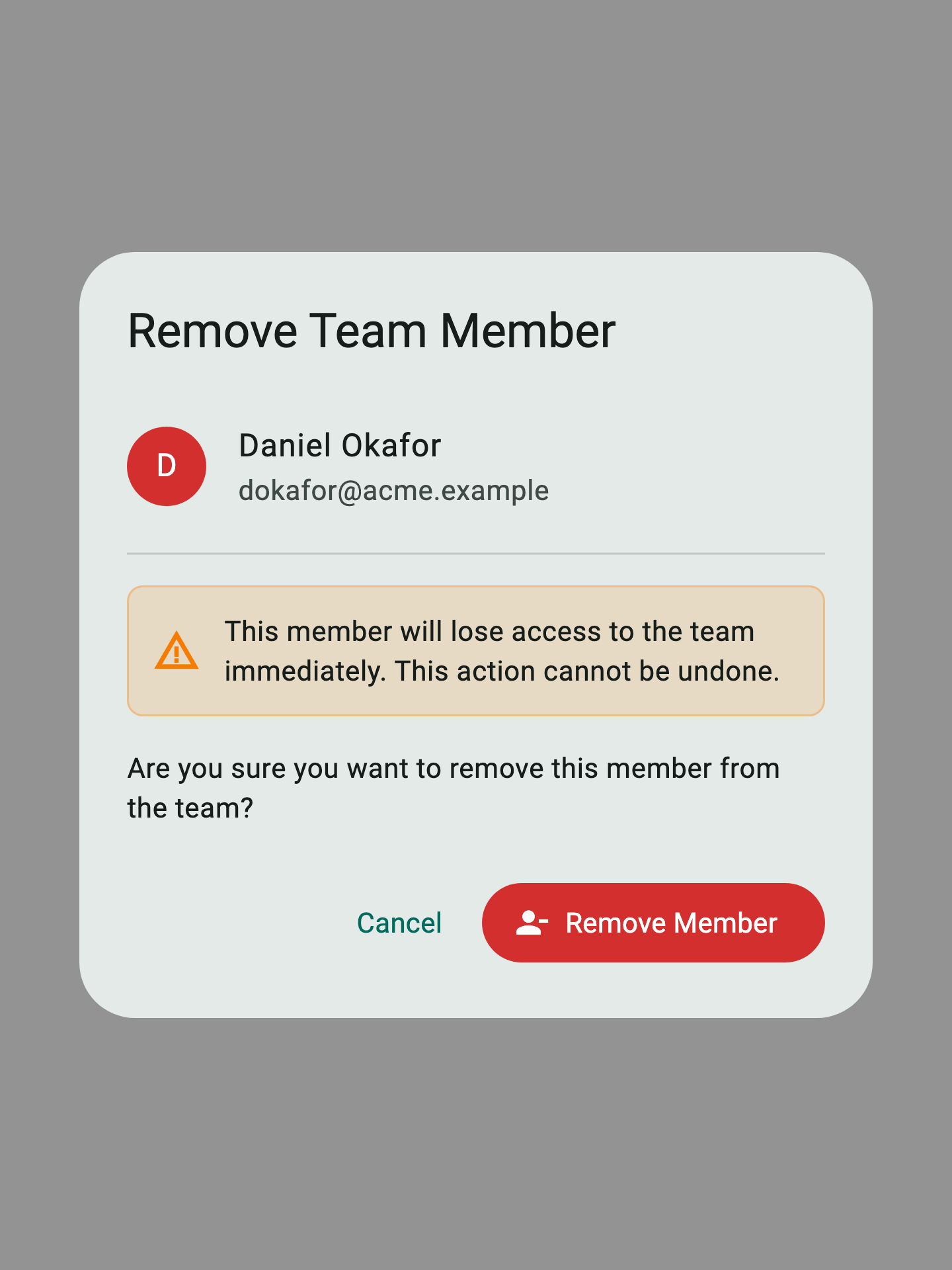
Tap the ⋮ menu next to the member's role badge and choose Remove. A confirmation dialog appears.
-
Read the warning banner (1). Removal cannot be undone — the member loses access on their next refresh.
-
Tap Cancel (2) to back out, or Remove Member (3) to confirm. The member is removed and a
memberRemovedevent is written to the activity log.

Their account itself is unaffected — they can still sign in to their default workspace or join another team.