
Assigning roles
Roles control what each member can do. The system roles are Owner (one per team, full control), Admin (manage members and settings), Manager (manage inventory + invite members), Member (standard access), and Viewer (read-only).
-
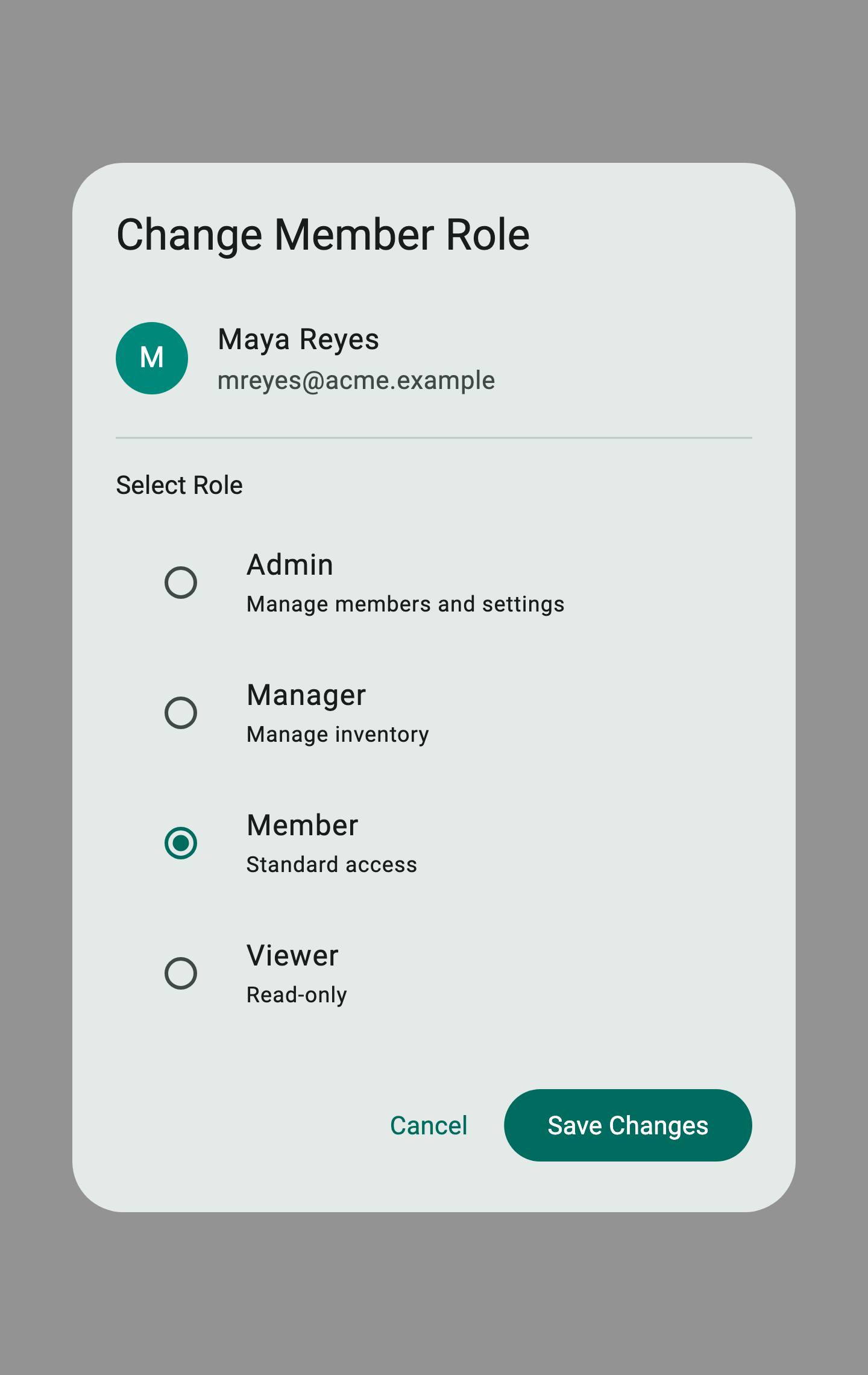
From Team › Members, find the member in the list and tap the ⋮ menu next to their role badge, then choose Change Role. The role-picker dialog opens.
-
Pick the new role. Each option shows a one-line description of what the role can do.
-
Tap Save Changes (5). The change is applied immediately and logged to the activity log for compliance.

Custom permission profiles are part of the team workflow. For seat-based billing and invoice options, see Billing & support.